Startup passphrase
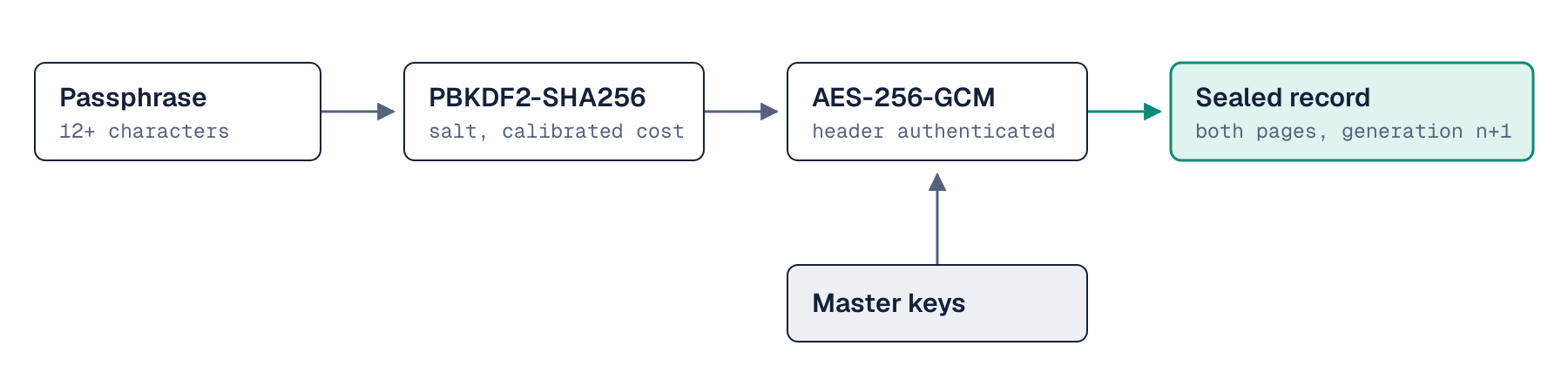
Settings › Security & Backup › Passphrase encrypts the device's two master keys with a passphrase. Every stored key depends on them, so a copy of the flash is useless without the passphrase, and the device asks for it on its own keyboard at every power-up, before USB starts.
Turn it on
- Choose Passphrase. The device restarts into a setup screen with USB off.
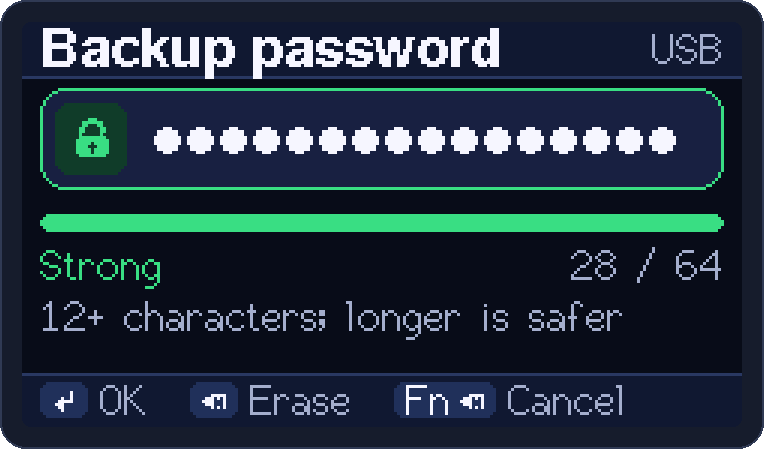
- Type a passphrase of 12 or more characters, twice. A meter shows its strength; four or more random words is a good choice.
- Accept the warning: if you forget it, the keys are gone unless you have an SD backup.
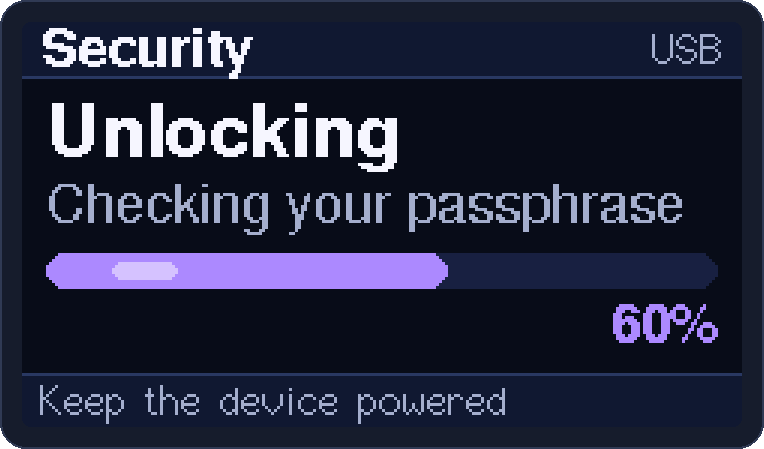
Unlocking takes about a second: the passphrase goes through PBKDF2-HMAC-SHA256 at a cost calibrated on the chip.
Wrong passphrases
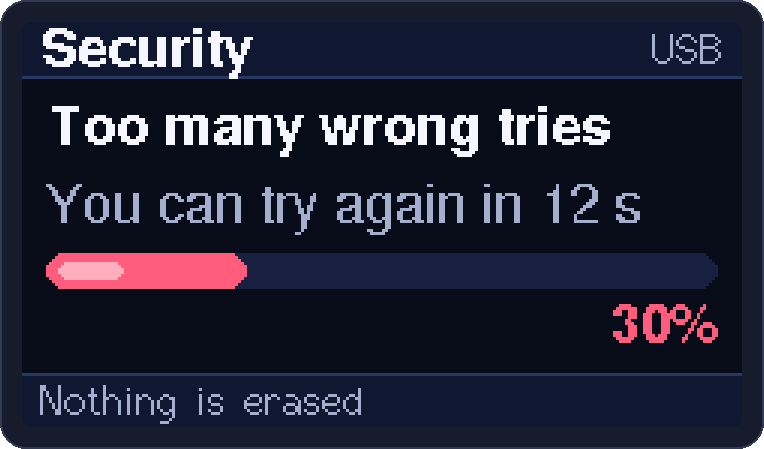
Wrong tries never erase anything, so nobody can destroy your keys by guessing.
| Wrong tries in a row | Wait before the next try |
|---|---|
| 1 or 2 | none |
| 3, 4, 5, 6 … | 1 s, 2 s, 4 s, 8 s … doubling |
| 12 and more | 5 minutes (the cap) |
The count is saved before each try is checked, so switching the device off does not reset it or give a free try.
Change or remove it
Choose Passphrase again: the device offers Change passphrase? or Remove passphrase? and asks for the current one first. Removing it stores the master keys unencrypted again.
What it protects
The passphrase protects a device that is switched off. Once unlocked, anyone holding the device can approve requests. See the security model.