SD backup and restore
The tools under Settings › Security & Backup save the whole key store (passkeys, OpenPGP, PIV and OATH data and the master keys) to a microSD card, encrypted with a password you choose.
The tools
| Tool | What it does |
|---|---|
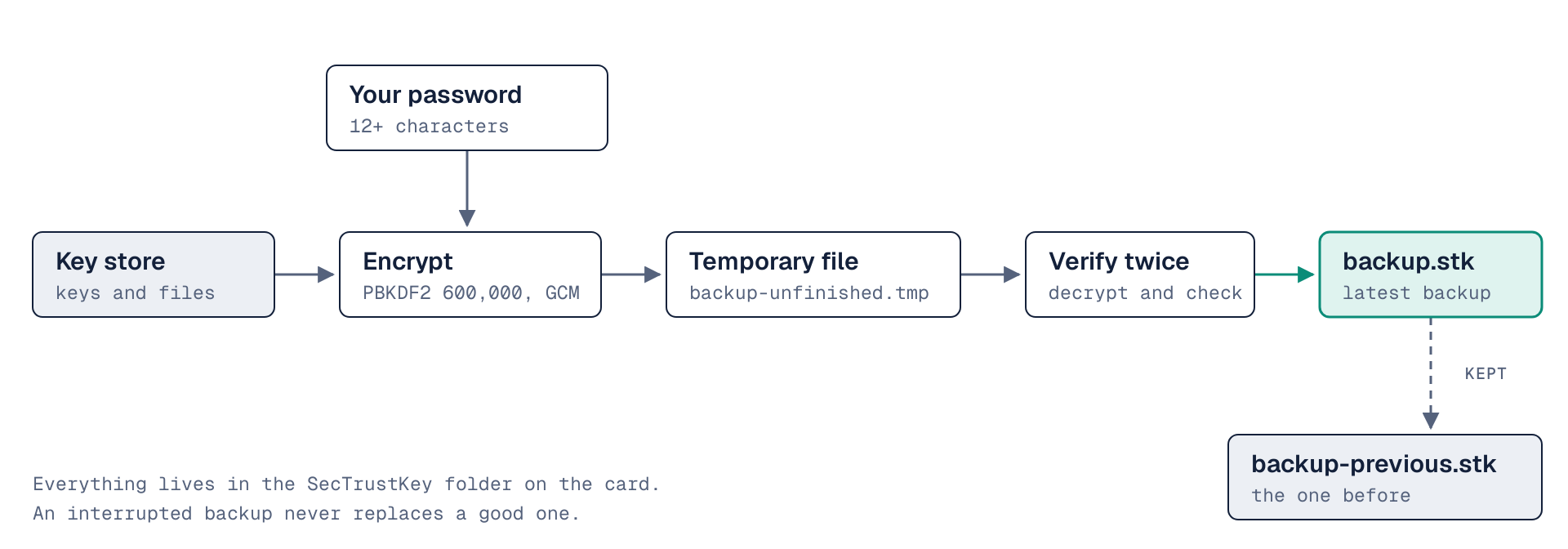
| Backup to SD | Encrypts the key store with a password of 12+ characters into backup.stk, keeps the previous backup as backup-previous.stk, and checks the new file twice. |
| Restore from SD | Checks the whole file and your password before writing anything, then replaces the device's keys. |
| Verify backup | Decrypts and checks a backup without changing anything. |
| SD card info | Free space and which backup files are present. |
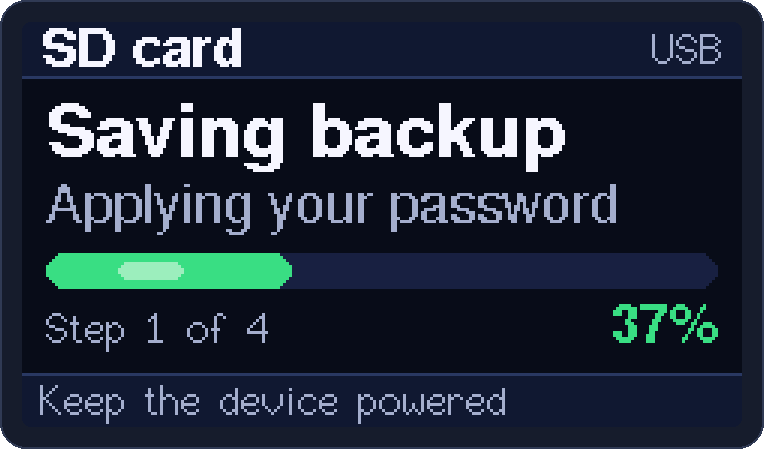
Each tool restarts the device into a maintenance screen with USB off, and shows its steps and progress. Deriving the key from your password takes about half a minute on this chip.
Files on the card
Everything lives in a SecTrustKey folder, created automatically. The card is never formatted.
| File | Meaning |
|---|---|
SecTrustKey/backup.stk |
The latest verified backup |
SecTrustKey/backup-previous.stk |
The one before it |
SecTrustKey/backup-unfinished.tmp |
A backup in progress; it only replaces backup.stk after it has been verified |
Files from earlier versions (FIDOBAK.CFB, .OLD, .TMP in the card's root) are moved into the folder automatically.
Encryption
| Key derivation | PBKDF2-HMAC-SHA256, 600,000 iterations, random salt |
| Cipher | AES-256-GCM in 4 KiB authenticated chunks |
| Binding | A backup can only be restored on the device that made it |
Good to know
- Restoring returns the PIN retry counters and signature counters to their values at the time of the backup.
- A backup made while a startup passphrase was set needs that passphrase after the restore.
- Keep the backup password somewhere other than on the card, and verify a backup now and then.