Using the device
Keys
| Key | What it does |
|---|---|
| ; . , / | Move up, down, left and right (the arrow keys printed on the Cardputer) |
| Enter | Open, approve, reveal |
| Backspace (Del) | Back, refuse |
| Fn+Backspace | Cancel a password entry |
Home
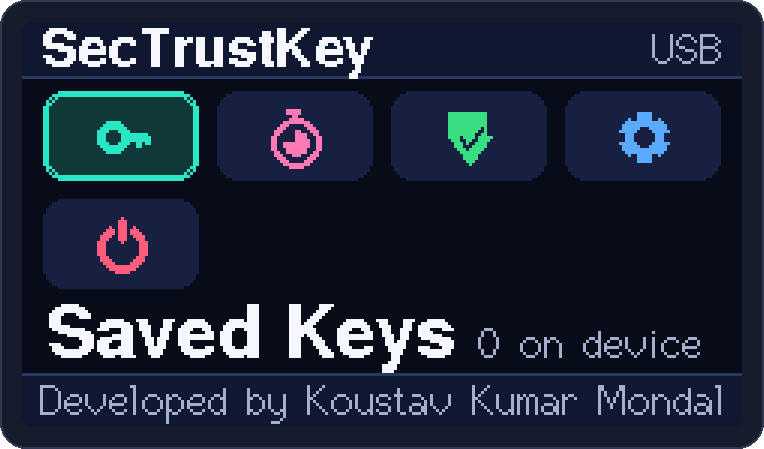
| Tile | What it opens |
|---|---|
| Saved Keys | Passkeys stored on the device; open one to see its account or delete it. |
| Codes | TOTP codes for the accounts stored on the device. See TOTP codes. |
| Health | A score of your setup with advice for each item. See Health check. |
| Settings | Volume, brightness, screen timeout, Clock, Security & Backup, and About. |
| Power Off | Switches the device off cleanly. |
The status bar shows USB when a computer has configured the device, and the battery level.
Confirmation prompts
When a computer asks for something that needs your consent, a full-screen prompt replaces whatever was showing. The coloured band tells you which application is asking:

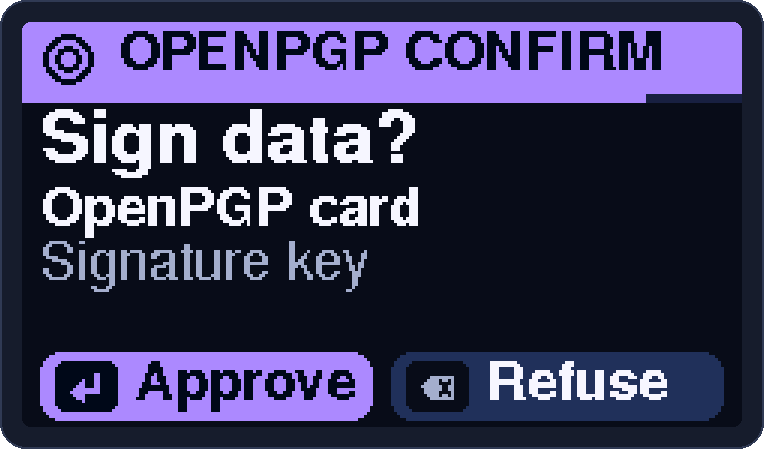
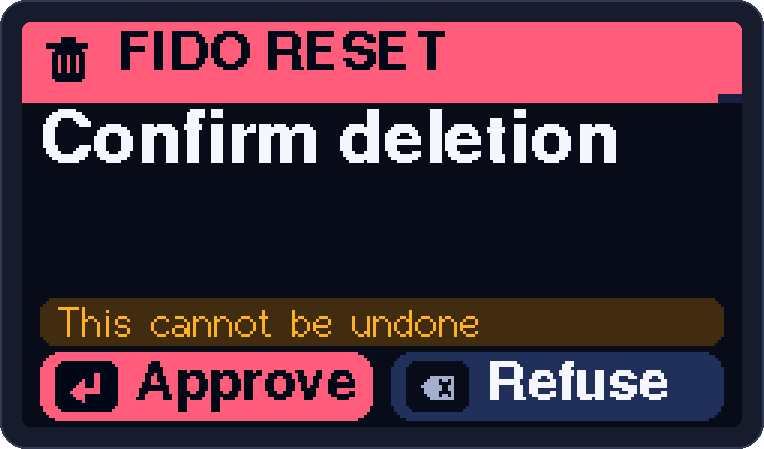
Enter approves and Backspace refuses. A bar along the band counts down; when it runs out the request is refused. A prompt also closes if the computer cancels the request or the cable is unplugged.
Read the site name from the end
Long site names are shortened at the start and keep their end, so paypal.com.evil.example can never be shown as paypal.com.
Settings
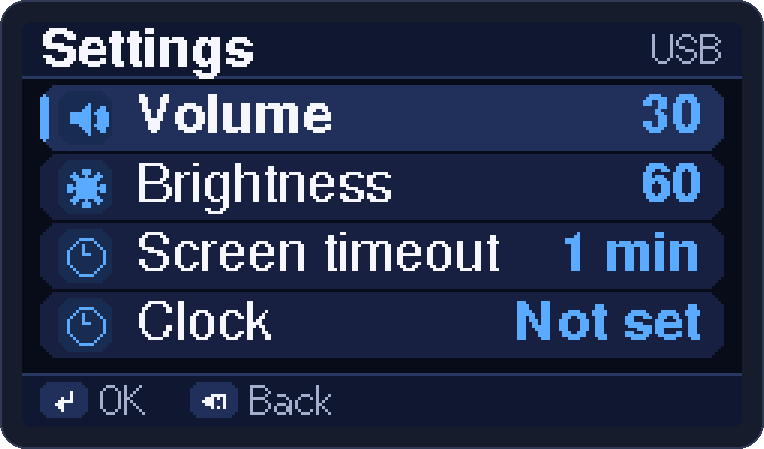
| Setting | Options |
|---|---|
| Volume | 0 to 100, in steps of 10 |
| Brightness | 10 to 100, in steps of 10 |
| Screen timeout | 15 s, 30 s, 1 min, 2 min or never; any request wakes the screen |
| Clock | Wi-Fi sync, network, sync at start, typing the time, time zone (details) |
| Security & Backup | Passphrase, Backup to SD, Restore from SD, Verify backup, SD card info |
| About | Developer, website, contact, GitHub, firmware build |
Clock and the Security & Backup items restart the device into a maintenance screen with USB off, and show their progress.